
Course 1 - Foundation - Get Setup
Practice Guides
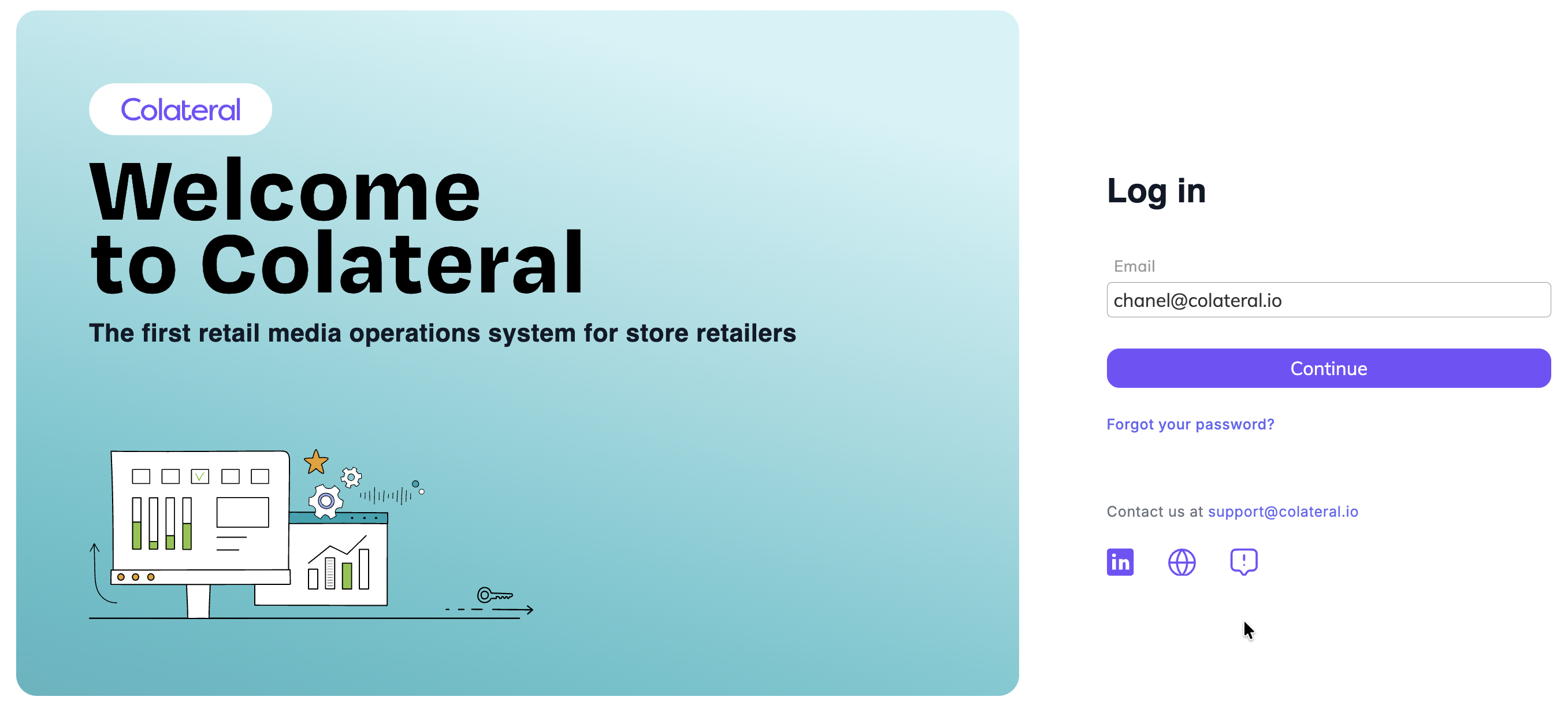
1.1 Successfully Log In to the Platform
- Open your browser and navigate to your unique company Colateral URL
- Enter your email address and credentials
- If your organisation uses Single Sign-On (SSO), click the Log in with SSO button to authenticate instantly
1.2 Access the Landing Page
- Upon logging in successfully, ensure the Welcome Dashboard is display on your screen
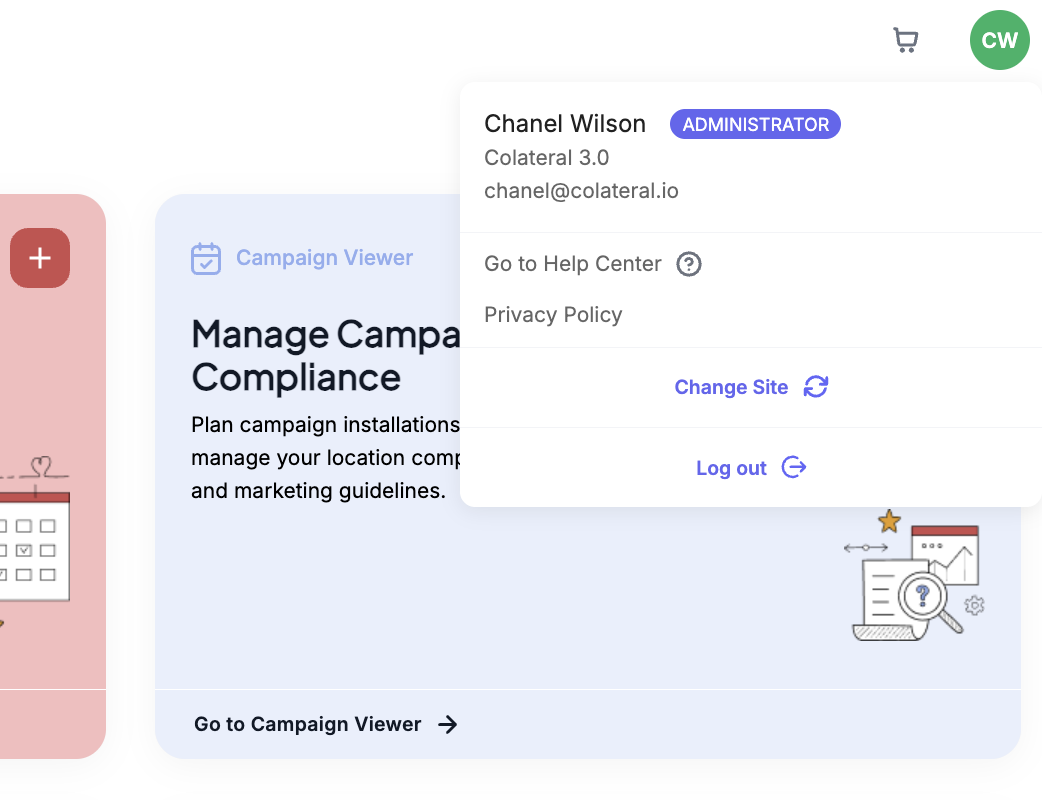
- Check the top-right corner (Initials of user) to verify your name and correct retail brand profiles are populated
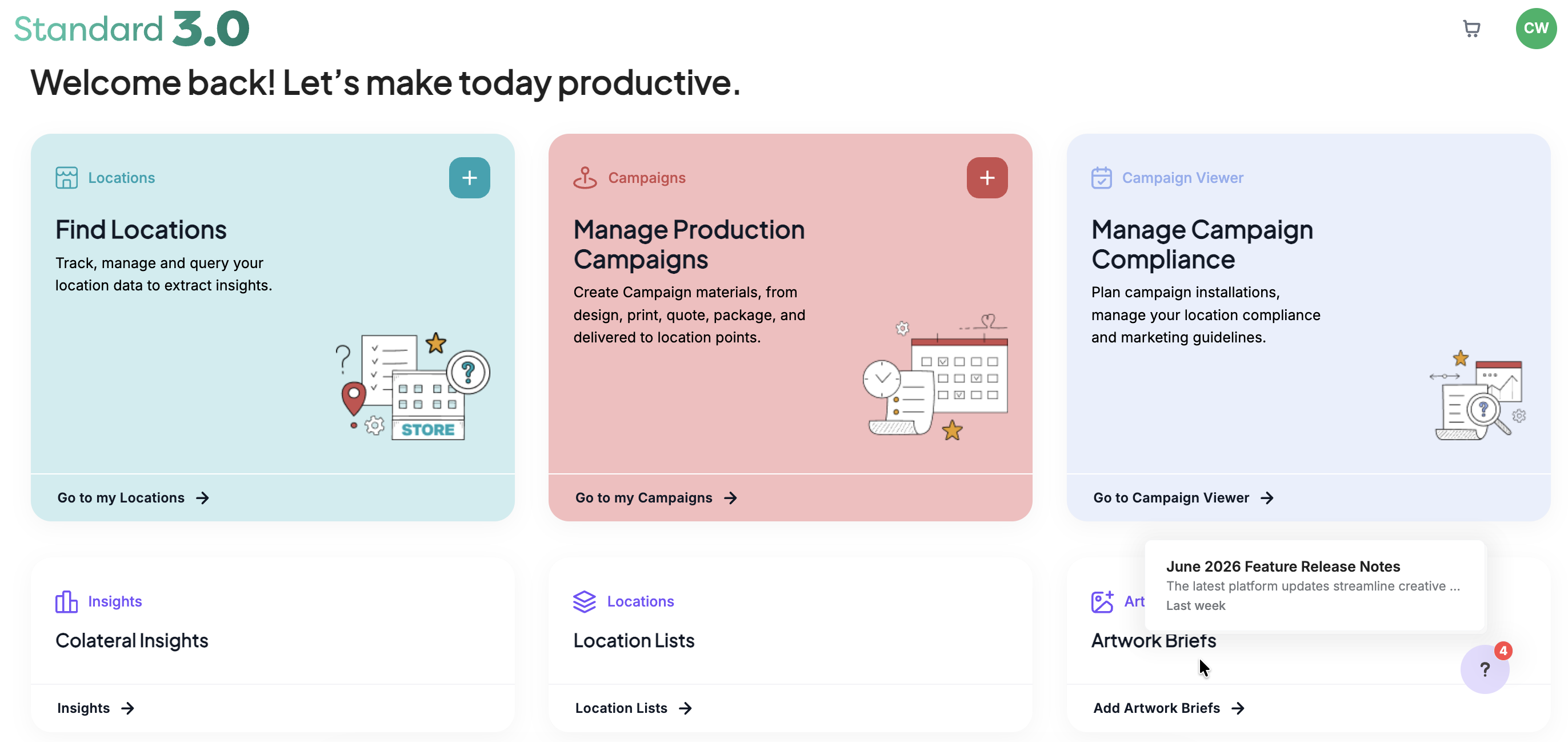
1.3 Navigate the Platform from the Landing Page
- From the landing page access:
- Campaig Builder
- Location Profiler
- User Activity
- Custom links
1.4 Access the Helpdesk and Support Resources
- Check the top-right corner (initials of user)
- Select Go to Help Center. This will navigate you to Colateral Helpdesk and knowledge articles
- In the helpdesk you can browse Knwoledge Articles and Feature Release Notes
- You can raise tickets to the helpdesk and keep a tracking list of all tickets
- You can submit tickets easily by emailing [email protected]
How to Login Articles for a Deep Dive